Sketch: an overview
A sketch is the flat drawing the geometry of a part stands on. You draw an outline, give it constraints and dimensions, then turn it into a body: extrude, revolve, sweep. The sheet of a sketch is always flat: you move and zoom it, but do not turn it in space.
How to start and finish
Sketch (the pencil, key K), then a click on a plane, a datum plane or a face of the part. Finish in the bar above leaves the sketch; a sketch you have just finished stays selected — the next part tool (Extrude, Revolve) takes it at once.
The main rule: a sketch must be defined
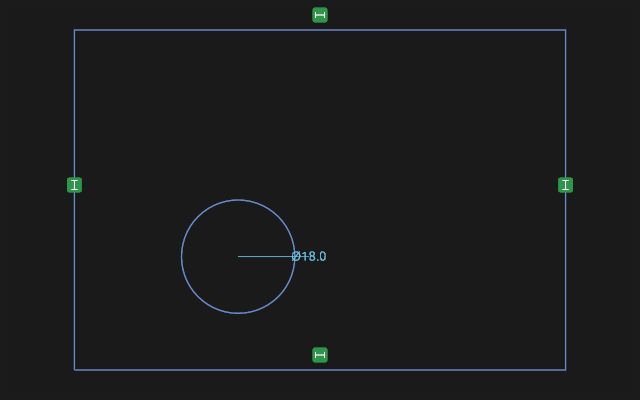
The properties of the sketch on the right show how many degrees of freedom are left: "N constraint(s)/ dimension(s) short — the yellow points can still move". While there are more than zero, the sketch "floats": it looks right, but may move at the first edit. A defined sketch behaves predictably: change a dimension — exactly what it sets changes.
What it is made of
- Entities — lines, circles, arcs, ellipses, splines, text.
- Constraints — rules between them: horizontal, vertical, coincident, parallel, perpendicular, equal, tangent, symmetric, point on a line, point on a circle.
- Dimensions — constraints with a number: a length, an angle, a radius, a diameter. The number can be a formula.
How you draw
A tool is turned on with a button on the left or a key and stays in hand: you can draw several lines in a row. Esc puts the tool down. Text puts itself down as soon as the label is placed. If an icon is unclear, rest the pointer on it — the hint names it and its key.
Auto constraints (the magic wand in the bar above) add the obvious by themselves: draw a nearly horizontal line — get a horizontal. If one is wrong, delete it in the list of constraints on the right: hover a row — the constraint lights up, Del deletes it.
Construction geometry
Key X toggles construction mode: such lines are dashed, stay out of the body's profile and serve as supports — centrelines, diagonals, circles for patterns.
The buttons of the bar
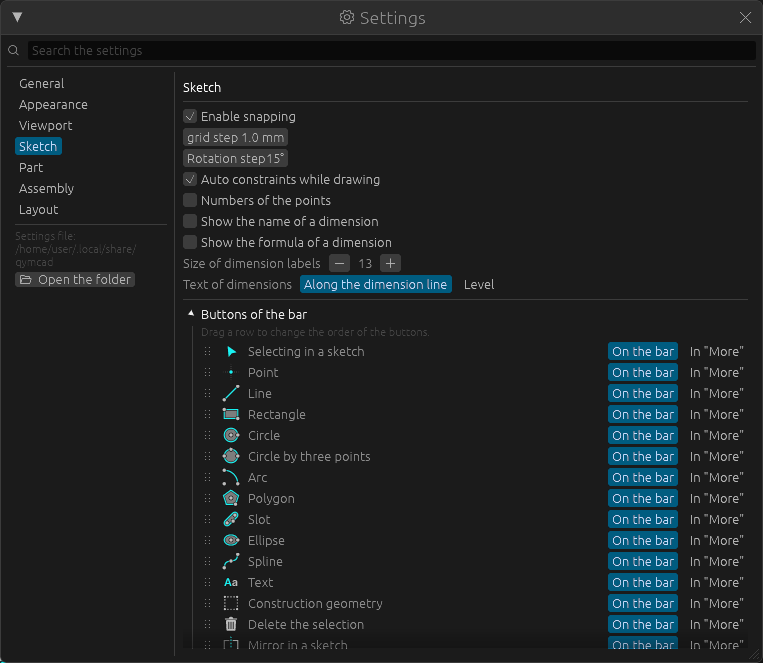
Which buttons stand on the bar of this workbench and in what order is set in Windows -> Settings -> Sketch: press the heading Buttons of the bar, drag a row up or down to move its button, press In "More" to take it off the bar. Restore the standard buttons brings the usual set back. More in The layout of the panels.