Mirror in a sketch
Key M.
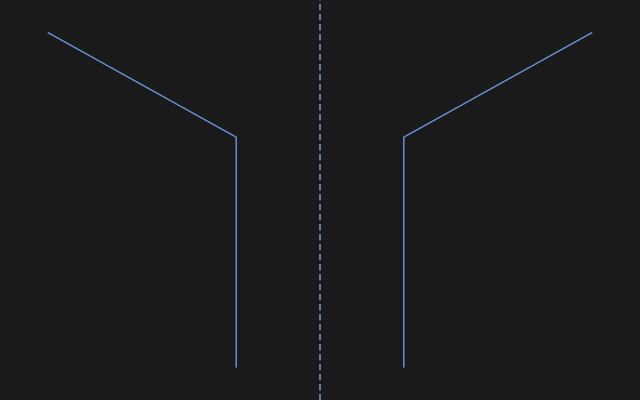
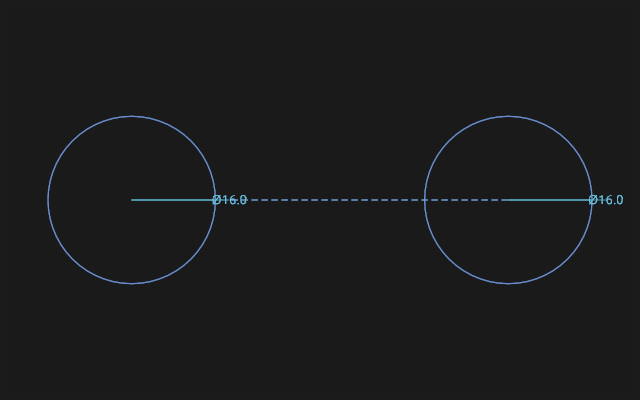
How to do it
- Select what to reflect and press Mirror. Or the other way round: press Mirror, then click what to reflect.
- To add more: Shift + a click on a line or an arc, or Shift + a box.
- A plain click names what to reflect about: a line of the sketch (construction too), the sketch's X or Y axis, or a point. About a point, the copy lies on the far side of it, the same distance off.
- The reflection is made at once, one step of undo. The tool stays in hand for the next geometry; Esc puts it down.
For a symmetric part, draw one half, draw the centreline as construction (key X) and mirror about it: the centreline stays out of the body's profile.
What you get
The reflection is a copy: it is not tied to the original. Edited the half — mirror it again, or add Symmetric constraints between pairs of points yourself.
If it did not work
- Nothing was reflected — nothing to reflect was chosen. Click a line or an arc, then the axis.
- A click reflected instead of adding — hold Shift while adding geometry.