Chamfer
Key C.
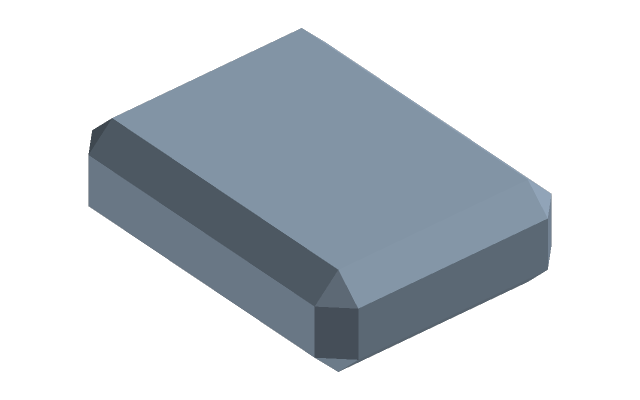
How to do it
- Select edges — a click on an edge; a click on a face takes all its edges. What is selected before the command is taken at once.
- The way is in the bar above: Symmetric (one Leg), Two distances (two legs), Leg and angle. For the asymmetric ways Reference face says from which face the first leg is measured.
- The values go into the fields at the geometry; the preview shows the cut before it is applied. Enter applies, Esc cancels.
How it differs from a fillet
A chamfer cuts the corner with a plane, a fillet with an arc: a chamfer on an edge eases a part in and removes a burr, a fillet lowers stress concentration. On a hole a chamfer is a countersink; if the hole was made with Hole, set the countersink in it instead.
If it did not work
- The leg is refused before Enter — it is more than the neighbouring face allows; the reason is written at the field.
- The node is yellow, some edges stayed sharp — those edges could not be taken, the rest are cut. Open the node with a double-click and pick other edges or another leg.
See also
- Fillet — the same edge, but by a radius.