Revolve
Key R.
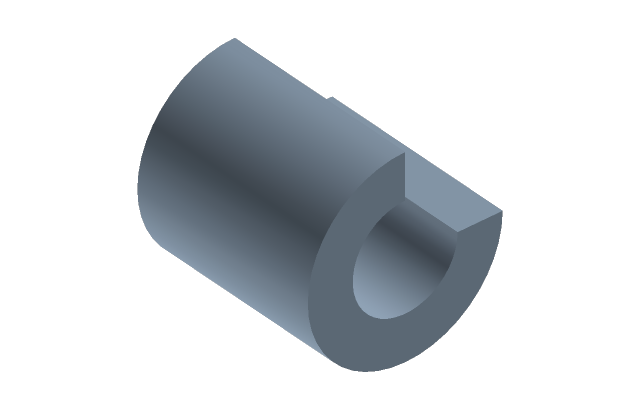
A contour turns about an axis and sweeps a body: a full turn gives a body of revolution, a partial one a sector.
How to do it
- Select a sketch or contours — or press Revolve and click contours.
- Choose the axis in the bar above (the choices are below).
- Type the Angle at the geometry (1 to 360°) and press Enter. Esc cancels.
The axis of the revolve:
- X or Y — the sketch's own axes;
- sketch axis — click a line of the sketch itself (draw it as construction: it stays out of the profile);
- pick an axis (3D) — click a straight body edge, a cylindrical face or a datum axis.
The bar also has Add / Cut / Intersect — as for an extrusion (a groove on a shaft is easiest as its profile revolved as a cut); One side / Symmetric; Flip — turn the other way.
Several contours go into one timeline row, as with an extrusion.
If it did not work
- The body is not built — the contour crosses the axis: the body would turn itself inside out. Draw the contour on one side of the axis.
- The axis is not taken — it does not lie in the sketch plane. The axis of a revolve must lie in the same plane as the contour.
- The angle is not taken — it is outside 1…360° or not a number; the reason is written at the field.