Circular pattern
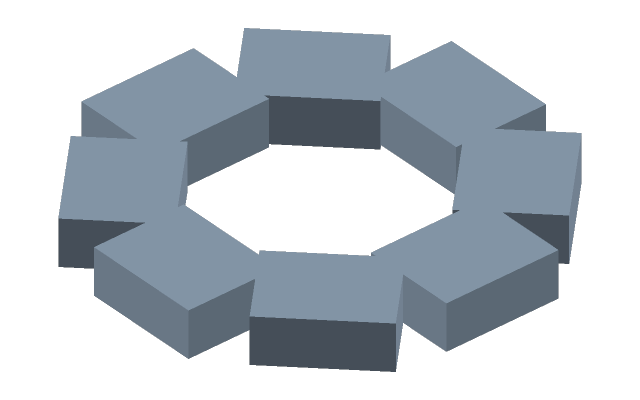
How to do it
- Select a body and press Circular pattern — or press the button and click the body.
- In the bar above: Copies — how many round the circle; Axis — Z (world) by default. Click its button and pick a datum axis, a straight edge, a cylindrical face (its axis is taken) or two points in turn. The Z button brings the world axis back.
- Full circle (360°) spreads the copies evenly round the whole circle. Untick it — the Angle of a sector appears at the geometry: say, four holes on a quarter of a flange.
- Enter applies, Esc cancels.
An axis taken from the part follows it: the pattern stays coaxial after any edit.
If it did not work
- The axis is not taken — what you clicked is not a straight edge, a cylinder or a datum axis. Take the axis by two points.
- The copies went to the wrong place — the wrong axis is chosen: look at what the bar says at Axis, and pick again.