Arc
Key A.
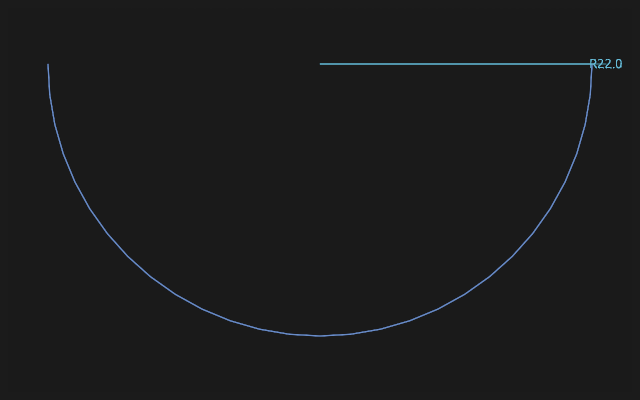
How to draw it
Press Arc and choose the way in the bar above:
- centre-start-end — the first click places the centre, the second the start, the third the end;
- by 3 points — the start, the end and a point on the arc;
- tangent — an arc continuing the end of a segment already drawn without a kink.
The arc once down opens its radius field: type a number and Enter — or keep drawing. Esc puts the tool down.
An arc holds by constraints
The tangency of an arc to the neighbouring segment is a constraint: move the segment and the arc stays tangent. The radius takes part in the solving, so equal radii and a point on the arc work as for a circle.
A rounded corner is easier with Corner fillet: a click on the corner, and the arc lies down with both tangencies and a dimension.
If it did not work
tangent draws nothing — there is nothing to continue: draw the segment the arc starts from first.