Spline
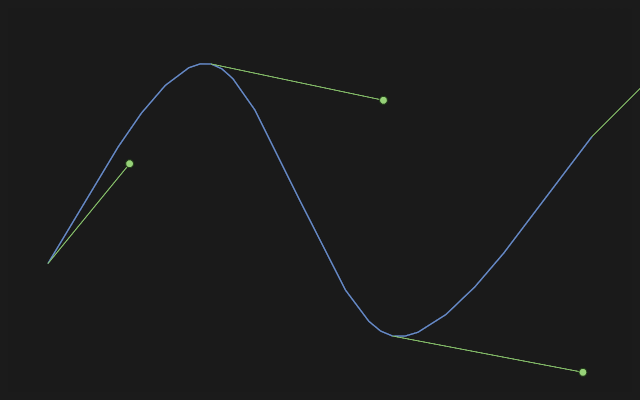
Key N. A smooth curve through points.
How to draw it
Press Spline and click the knots in order; a double-click places the last one and ends the curve. A click on the first knot closes the curve into a loop. A knot clicked on a point, a line, a circle or an axis is tied to it.
Click the curve to select it: its tangent handles appear, and the handle under the pointer lights up. Drag a handle to bend the curve at its knot; drag a knot to move it — the curve follows. A spline together with lines or arcs, or crossing itself, closes regions that Extrude and the other part tools take.
Mind the definition
Each knot has two degrees of freedom, and pinning a spline down entirely with dimensions is next to impossible. That is fine for a styled shape and bad for a working outline: where a function sets the shape (a surround, aerodynamics, ergonomics), a spline fits; where a size does (a fit, a hole, a joint), lines and arcs are better.
If it did not work
A contour with a spline does not extrude — the ends of the spline do not meet their neighbours. Draw the spline from the end of a line and click its last knot on the end of the next one, or pin them with the Coincident constraint.