Components
An assembly is made of components: parts and sub-assemblies.
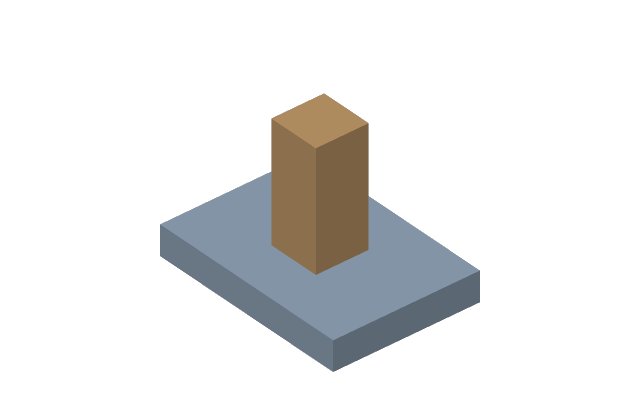
- New part (key N) — creates an empty part and goes inside it: from there you draw as usual and the result ends up in the assembly.
- New sub-assembly (key U) — the same, but a container for other components: a unit of several parts is convenient to build separately and insert as a whole.
- Insert component (key I) — import a STEP, IGES or STL as a part: bought items, fasteners, someone else's models.
Going in and out
A double click on a component in the tree goes inside it. The path at the top shows where you are:
Assembly › Bracket › Sketch. Clicking any link of the path returns to that level, the Finish
button goes up by one.
Tools act in the current context. Draw a sketch after going into a part and you get it inside the part, not in the assembly.
Position
The selected part is moved with the gizmo: an arrow carries it along an axis, a ring turns it. While you drag, a number stands at the gizmo — the shift in millimetres or the angle; with Snap on they go by the grid step and the rotation step. Without the gizmo a part is taken with Shift and the left button, begun on it (under the QymCAD mouse layout). A part held by joints goes only where they let it.
Visibility and isolation
The checkbox next to a component hides it entirely. Bodies of other parts do not get in the way inside a part's context: they are shown as ghosts by the “In context” button so that you can refer to their geometry.