Linear pattern
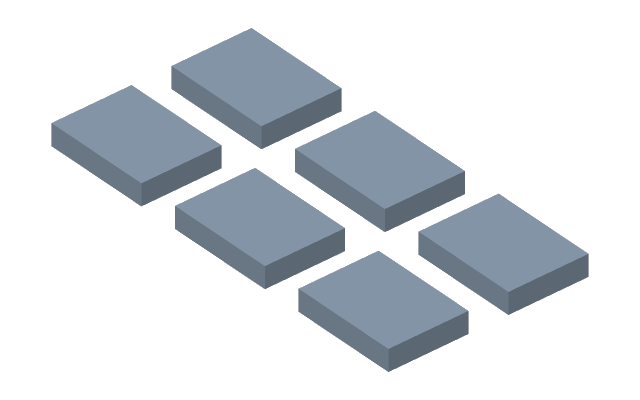
How to do it
- Select a body (a click on its face) and press Linear pattern — or press the button and click the body.
- In the bar above: Copies — how many in all, the original included; Direction — X, Y or Z.
- The Pitch — the distance between neighbouring copies — goes into the field at the geometry; the preview shows the copies.
- For a grid, tick 2nd dir.: its count of copies and axis appear, and Pitch 2 at the geometry. On top of it you can tick 3rd dir. with Pitch 3.
- Enter applies, Esc cancels.
A pattern is one row of the timeline: the count and the pitch are edited in one place, a delete removes all the
copies at once. The pitch and the count take a formula — tie the pitch to a parameter pitch, and moving the holes
on a board becomes an edit of one number.
If it did not work
- The pitch is not taken — zero, negative or not a number; the reason is written at the field.
- The count of copies is a whole number from 2; fewer makes no pattern.