Primitives
A body without a sketch, from its sizes alone: a box, a cylinder, a sphere, a cone, a torus, a prism. The buttons are in the "Primitives" group.
How to do it
- Press the button of a primitive: Box (key B), Cylinder (Y), Sphere, Cone, Torus, Prism.
- Type the sizes into the fields at the geometry (which ones — below).
- Where to put it — click a vertex, a datum point, a plane or a face: the primitive stands there on its base. Without a click it stands at the origin of the part.
- Enter applies, Esc cancels.
The fields of the sizes:
- Box — Length X, Width Y, Height Z;
- Cylinder — Radius and Height;
- Sphere — Radius;
- Cone — Bottom radius, Top radius and Height; a top of 0 gives a sharp cone, above zero a frustum;
- Torus — Ring R and Tube r;
- Prism — Radius (circum.), Height and Sides (3 to 64).
The sizes take a formula and are edited later with a double-click on the timeline row, as for any operation.
What happens next
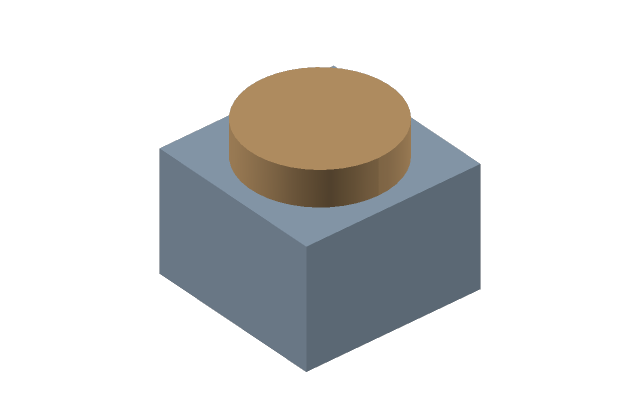
A part is one body: a second primitive does not make a second body, it merges with the first. As soon as the shape stops fitting these numbers — a flange, a flat, a slot — go to a sketch: assembling a complex part from primitives costs more than drawing the outline.
If it did not work
- A field does not take a value — zero, negative or not a number; the reason is written at the field.
- The torus is not built — the tube is not thinner than the ring: such a torus goes through itself. Make Tube r smaller than Ring R.