Line
Key L. Draws a segment or a polyline.
How
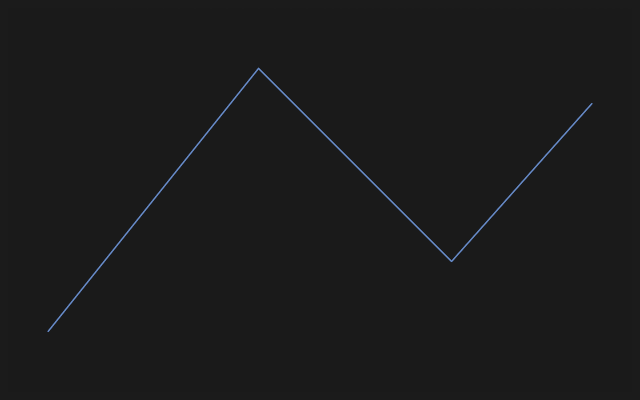
Click the start, click the end — the segment is there, and the next one already follows from its end. A double click or Esc ends the polyline; the tool stays in hand for the next one.
What is added for you
With Auto constraints on (a switch in the sketch bar and in the settings) a nearly horizontal segment gets a horizontal constraint, a nearly vertical one gets vertical, a segment at a right angle to the previous one gets perpendicular, and an end that lands on another line gets point on line. An end clicked into an existing point becomes one point with it. Only constraints that do not over-define the sketch are added.
Every drawing tool ties the points it puts down to what they land on: on a point or the origin — Coincident, on a line or the X or Y axis — Point on a line, on a circle or an arc — Point on a circle. The badge at the pointer shows the constraint the click will add. A point on a spline between its knots, or on an ellipse, is not held.
If the wrong constraint appears, remove it from the constraint list: the geometry does not change, it only becomes freer. If auto constraints get in the way, switch them off.
A hint
It is easier to close a polyline back into the point you started from: a closed outline is what a body is made of. An open one is useful for sweeping along a path and for construction geometry.