Thicken
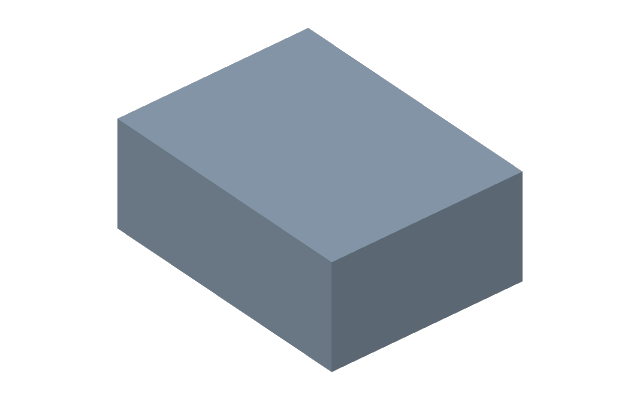
Press Thicken, click a face, type the Thickness at the geometry, Enter. The face grows a plate of the given thickness; the part stays one body.
How it differs from a shell
A shell hollows out an existing body. Thicken takes a surface and grows material along it — over the whole face at once, following its shape, curved faces included.
Where it is used
- To grow a gasket or a cover plate along a face of a complex shape.
- To make a skin along a contour.
- To add a local boss under a thread or a fastener.
A surface instead of a part
Click a sheet (a patch, a copied face) and the whole surface is thickened at once, giving an ordinary solid. There is nothing to glue it to: the sheet is the future plate, so the source is absorbed rather than left alongside.
This is how the design layer returns to the timeline: patch, thicken, combine. A surface can be neither combined with a part nor printed; a solid can.
If it did not work
- The thickness is not taken — it must be more than zero; the plate grows outwards from the face. The field refuses zero or a negative value in words.
- The plate went into the body and added nothing — the program says so at the node.