Hole
Key O.
How to do it
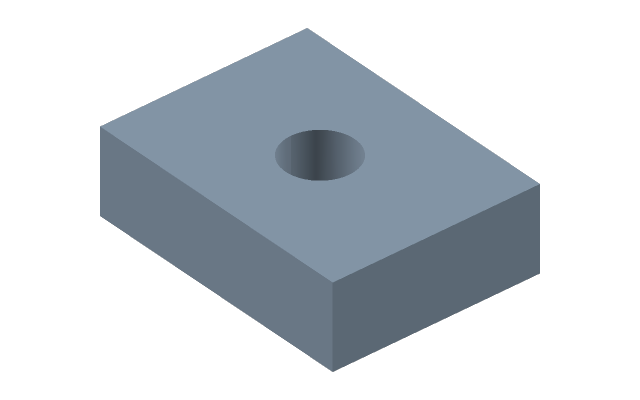
- Press Hole and click a face — the centre of the hole goes to the point of the click. A second click at another point of the same face moves the centre; a click at the same place lets the face go.
- At the geometry — Diameter and Depth, and Shift 1 and Shift 2 from the face centre if the position is to be given in numbers.
- Kind in the bar above: Simple, Counterbore or Countersink; a counterbore and a countersink add Recess Ø and Recess depth. The preview shows the walls of the hole before it is applied.
- Enter applies, Esc cancels.
Placement -> By a sketch: click a sketch on the face with isolated points — a hole goes into each. Their positions are then edited by the sketch's dimensions.
Why not a cut with a circle
A hole keeps a reference to the face: edit the part higher up the timeline, and the hole stays on its face rather than where the coordinates happened to land.
A through hole is a depth well past the thickness. A thread in a finished hole is cut by Thread.
If it did not work
- The diameter is not taken — the hole is wider than the face; the reason is written at the field.
- By a sketch places nothing — the sketch has no isolated points: add them with the Point tool.
See also
- Thread — how to cut it in the hole.
- Linear pattern — a row of holes as one operation.