Circle
Key C.
How to draw it
Press Circle and choose the way in the bar above:
- centre + radius — a click at the centre, a second click sets the radius;
- by 2 points — two clicks set the ends of a diameter;
- tangent — a circle touching a line already drawn.
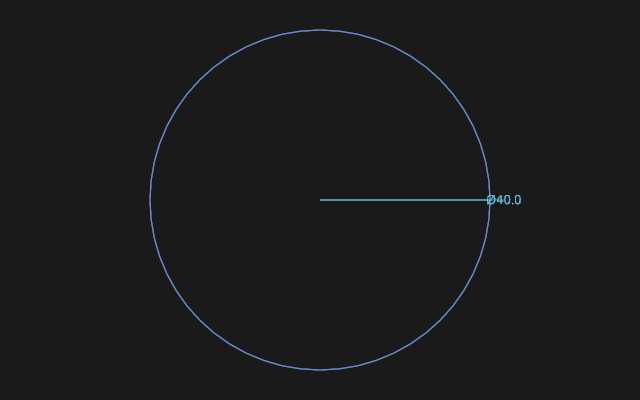
As soon as the circle lies down it gets a Diameter Ø dimension with its field open: type a number or a formula and press Enter — or just keep drawing. The tool stays in hand; Esc puts it down.
A circle holds by constraints
Tangency, equal radii, a point on the circle are full constraints: move the neighbour and the circle rebuilds after it.
A closed circle is a ready profile: extrude it into a cylinder straight away. For a hole in a body, Hole is handier: it stands on a face and follows it.
If it did not work
tangent draws nothing — there is nothing to touch: draw the line or arc the circle should lie against first.