Sweep
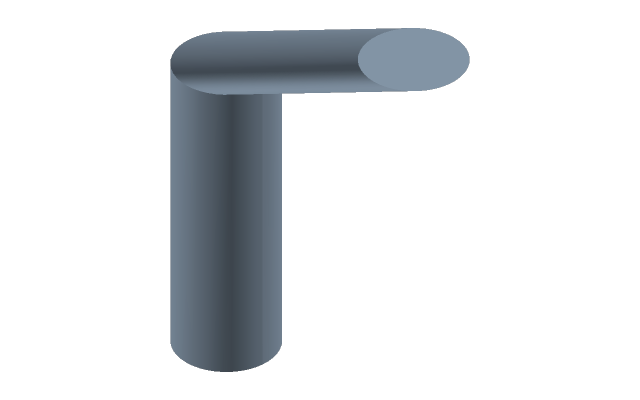
The profile travels along the path and sweeps a body: a pipe, a handrail, a cable duct, a seal along an outline.
How to do it
- Select the profile sketch — a closed contour of the section — and press Sweep.
- Click the path sketch in the tree: an open path or a closed one. The bar above shows Path: with its name. The profile places itself at the start of the path, across it.
- Enter applies, Esc cancels.
The profile and the path are separate sketches; the profile usually lies across the path, the path along it.
If it did not work
- The body is not built — the path turns more sharply than the profile allows: with a bend radius smaller than the profile, the body would cross itself. Make the bend radius larger or the profile smaller.
- The bar reads Path? — no path is picked yet: click its sketch in the tree.
- A closed path gives a ring, an open one a body with two ends; both are allowed.