Rectangle
Key R. Three ways to define it, the switch is in the top bar.
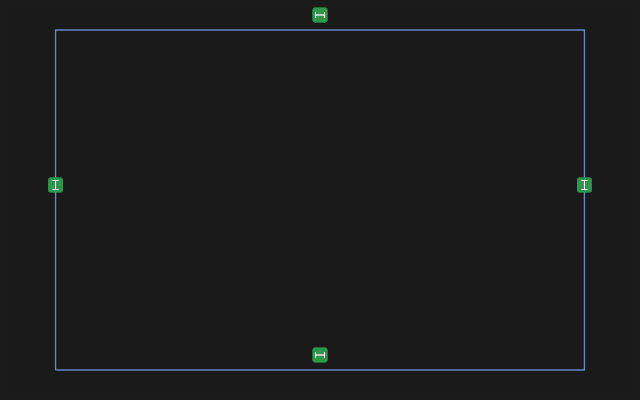
- 2 corners — click the opposite corners. Width and height fields open at the rectangle right away: type numbers or formulas, Enter accepts and lays them as dimensions, Esc keeps it as drawn.
- Centre + corner — the first click sets the centre, the second a corner. It grows about its centre.
- By 3 points — two points set a side and its tilt, the third sets the height.
What you get
One rectangle: four sides that stay square, and a point at its centre (a rectangle drawn from its centre also shows its two construction diagonals). It needs only two dimensions — width and height — plus a tie of a corner or of its centre to make it fully defined.
- Drag a corner — the corner across stays, the width and the height change; the rectangle does not turn.
- Drag the centre — the whole rectangle goes with it.
- Double click a side — the width and height fields open again and are laid as dimensions.
- Rotate — pick the rectangle with the Rotate tool by any side; it turns as a whole. An angle dimension on a side turns it too.
- Tie the centre — click the centre point and, with Shift, the origin, an axis or another point, then pick a constraint (Coincident, Horizontal, Vertical).
- A width or a height changed grows the rectangle from the corner it was drawn from, or about its centre.
If it did not work
- The rectangle does not turn under Rotate — it is held by other constraints or dimensions: remove or change them.
- The rectangle fell apart into four lines — a side or one of its own constraints was deleted. Ctrl+Z brings it back.
A hint
The centre rectangle is handy when the part is symmetric about the origin: click the centre onto the origin, and the part stands symmetric.