Download
Windows, Linux and macOS
No extra libraries are needed: OpenCASCADE and the dependencies are inside the package.
This is a development build, not a finished CAD
The program works and is fit for real parts, but it is updated daily. The document format changes with no backward compatibility — a file from an earlier version may not open. The CNC (CAM) module does not work.
Version v0.1.0-dev.20261001 of 30 September 2026 · what changed
Windows 10/11 x64
The MSI installer puts the program into the system and adds a shortcut; the portable build only needs to be unpacked anywhere and run qymcad.exe. Neither needs any separate libraries.
Linux
A single AppImage file. Requires glibc 2.35 or newer: Ubuntu 22.04+, Debian 12+, Fedora 36+, Arch.
macOS
An archive with the app. Apple Silicon only — M1 and newer; there is no build for Intel Macs.
Features
What it does
Sketching
Lines, arcs, circles, ellipses, splines, polygons, slots, text in any installed font. Constraints and dimensions are solved together; dimensions are parametric (w/2, sin(a)). There is construction geometry and the projection of a body's edges into the sketch.
Parts
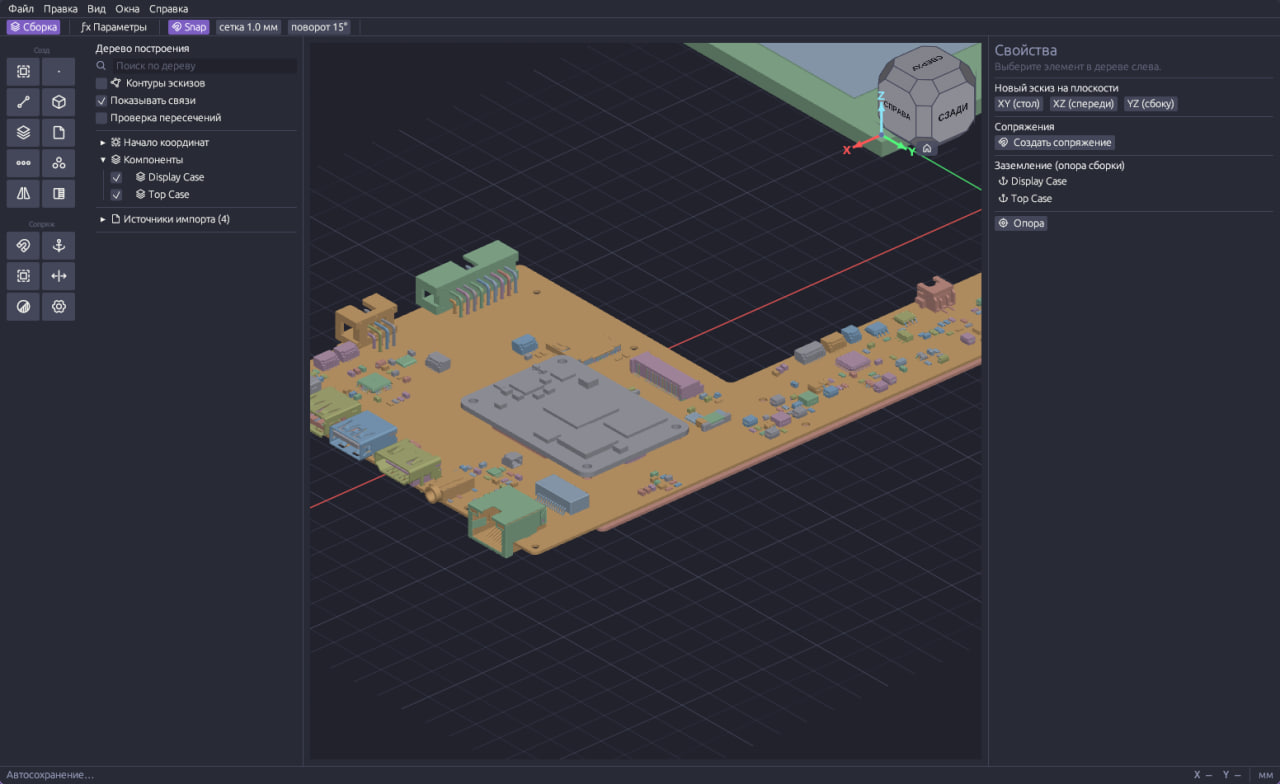
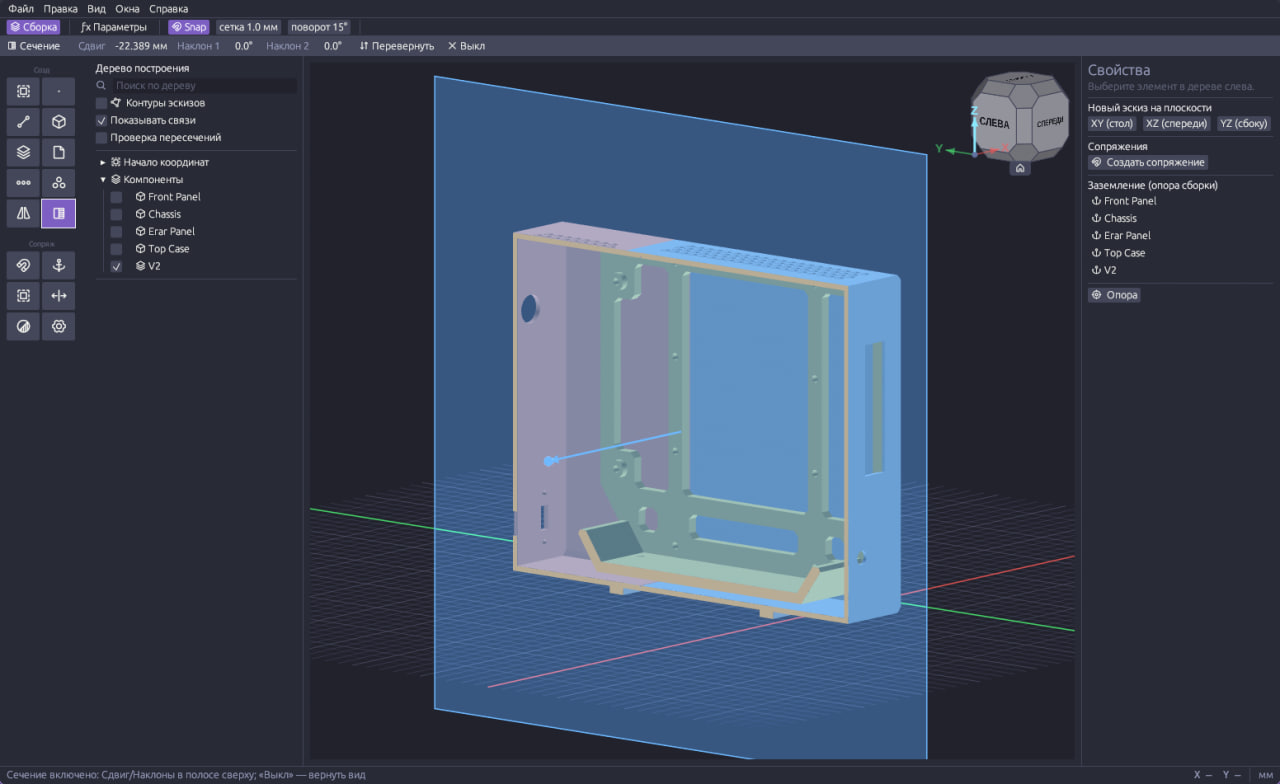
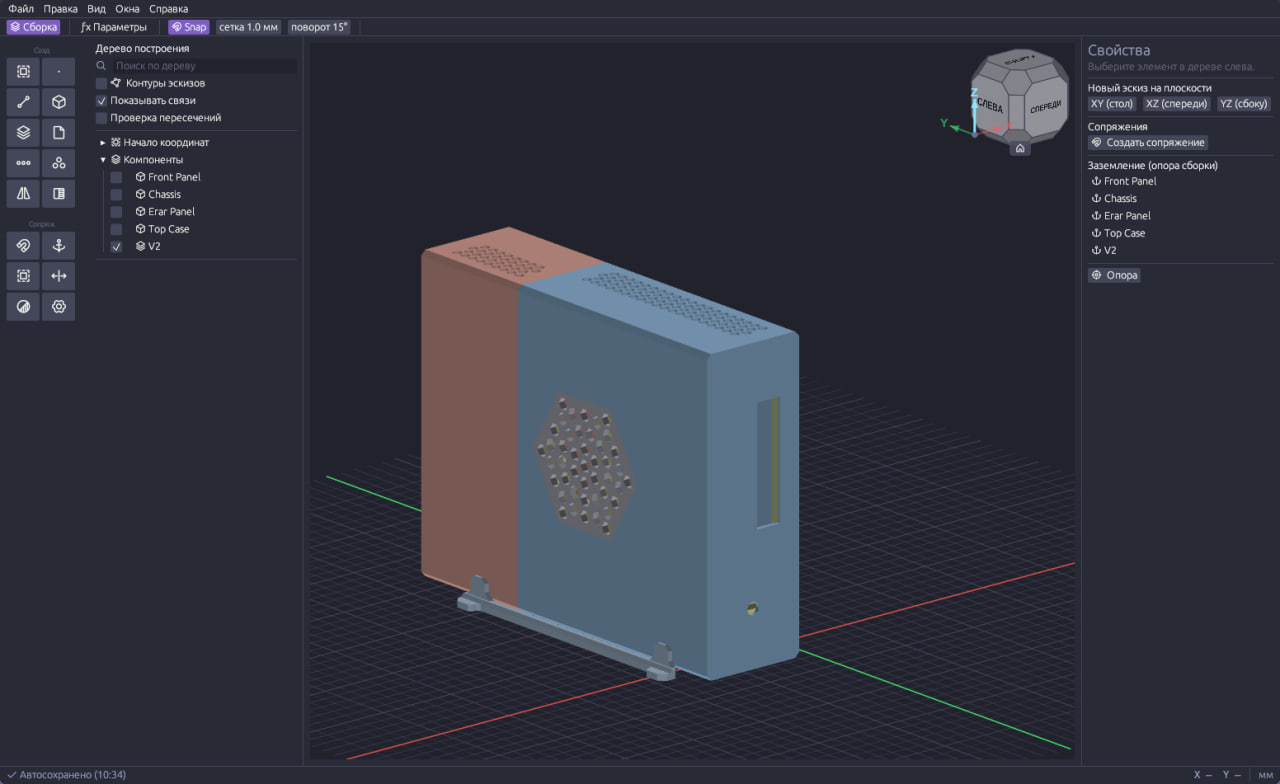
Extrude, revolve, sweep, loft, variable-radius fillet, chamfer, shell, draft, holes with counterbore and countersink, patterns, mirror, booleans, offset surface. Threads are built from a real helical profile with run-outs.
Assemblies
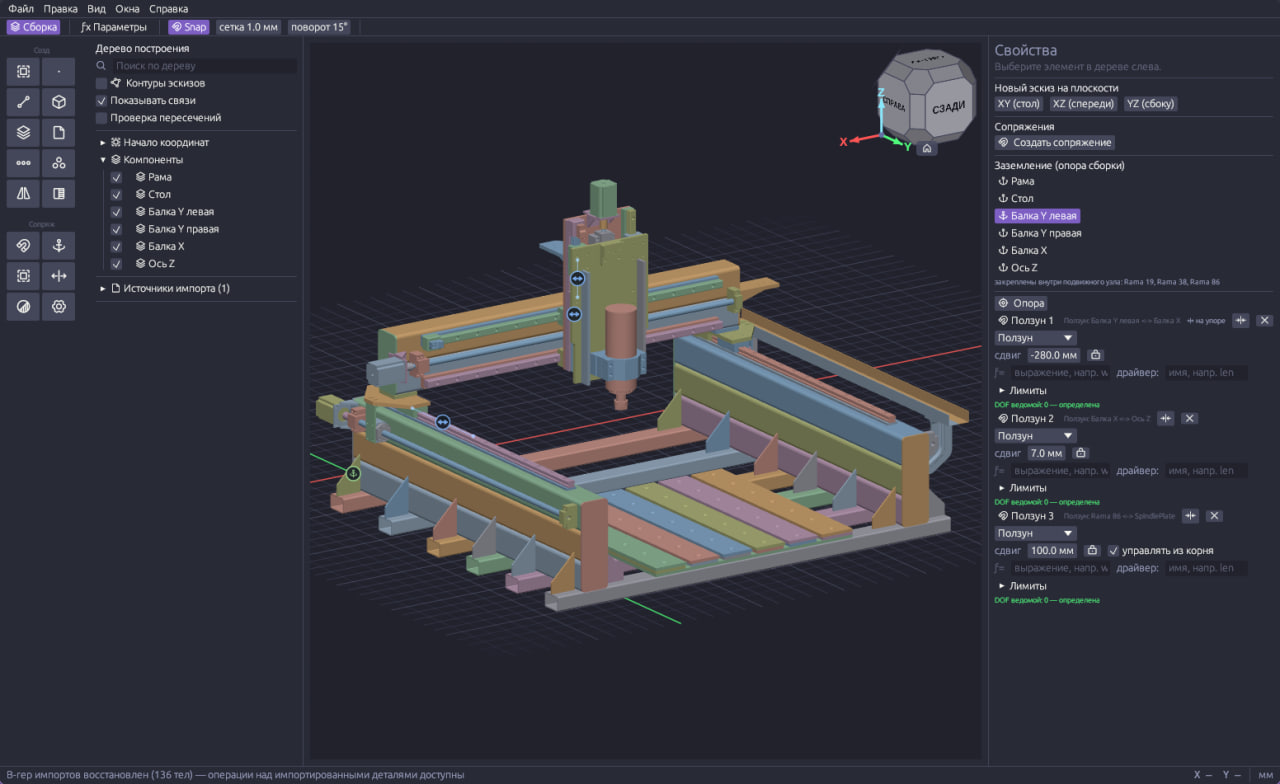
Eight kinds of joints, limits and drives, degrees of freedom, an interference check. A clone of a part, a component pattern, a mirrored copy. A sketch can sit on the face of a neighbouring part as an associative reference: change the neighbour and the dependent part rebuilds.
Exchange
Ten formats, read and written: STEP and IGES for exact geometry; STL, OBJ, PLY, glTF, 3MF and AMF for meshes; DXF and SVG for sketches. An assembly comes in and goes out as a tree, with names, positions and colours; units and scale are asked on import.
Mesh to solid
The Recognise tool turns an imported mesh — STL, 3MF, a scan — into a body: planes, cylinders, cones, spheres, tori, threads and springs become exact faces. A heavy mesh can be simplified first within a set deviation.
Fast rebuilds
Independent nodes of the tree are computed on several cores — how many is a setting. Large models are drawn with less memory, and Cancel stops a long rebuild at once.
Under the hood
How it is built
OpenCASCADE kernel
Exact solid B-rep geometry on the same kernel FreeCAD runs on. Real surfaces instead of meshes and correct fillets.
Parametric model
Change a dimension in any operation and everything below it in the timeline rebuilds, the assembly included.
One project file
Parts, assemblies and sketches live in one document. No cloud, no subscription, no account.
Two interface languages
English and Russian — in the program and in the help alike.
Windows, Linux and macOS
Windows 10/11 x64, an AppImage for Linux with glibc 2.35+ (Ubuntu 22.04+, Debian 12+, Fedora 36+, Arch), and a macOS build for Apple Silicon. Everything needed is inside the package.
Help inside the program
The same articles as on this site are baked into the program and open on F1 — offline.
Honestly about the state
A development build
Feedback
Something not working right?
Tell us about a bug or suggest a feature. No account needed anywhere — just a name and an email to reply to.