Скачать
Windows, Linux и macOS
Всё нужное лежит внутри пакета: OpenCASCADE и зависимости ставить отдельно не надо.
Это сборка для разработки, а не готовый САПР
Программа работает и пригодна для реальных деталей, но обновляется ежедневно. Формат документа меняется без обратной совместимости — файл из прежней версии может не открыться. Модуль ЧПУ (CAM) не работает.
Версия v0.1.0-dev.20261001 от 30 сентября 2026 · что изменилось
Windows 10/11 x64
Установщик MSI кладёт программу в систему и делает ярлык; переносимую достаточно распаковать куда угодно и запустить qymcad.exe. Отдельных библиотек не нужно ни той, ни другой.
Linux
Один файл AppImage. Нужна glibc 2.35 или новее: Ubuntu 22.04+, Debian 12+, Fedora 36+, Arch.
macOS
Архив с приложением. Только Apple Silicon — M1 и новее; сборки под Intel-маки нет.
Возможности
Что умеет
Эскиз
Линии, дуги, окружности, эллипсы, сплайны, многоугольники, пазы, текст любым установленным шрифтом. Связи и размеры решаются совместно, размеры параметрические — можно писать w/2 или sin(a). Есть вспомогательная геометрия и проекция рёбер тела в эскиз.
Деталь
Выдавливание, оборот, sweep, лофт, скругление переменного радиуса, фаска, оболочка, уклон, отверстия с цековкой и зенковкой, массивы, зеркало, булевы операции, смещение поверхности. Резьба строится настоящим винтовым профилем со сбегами.
Сборка
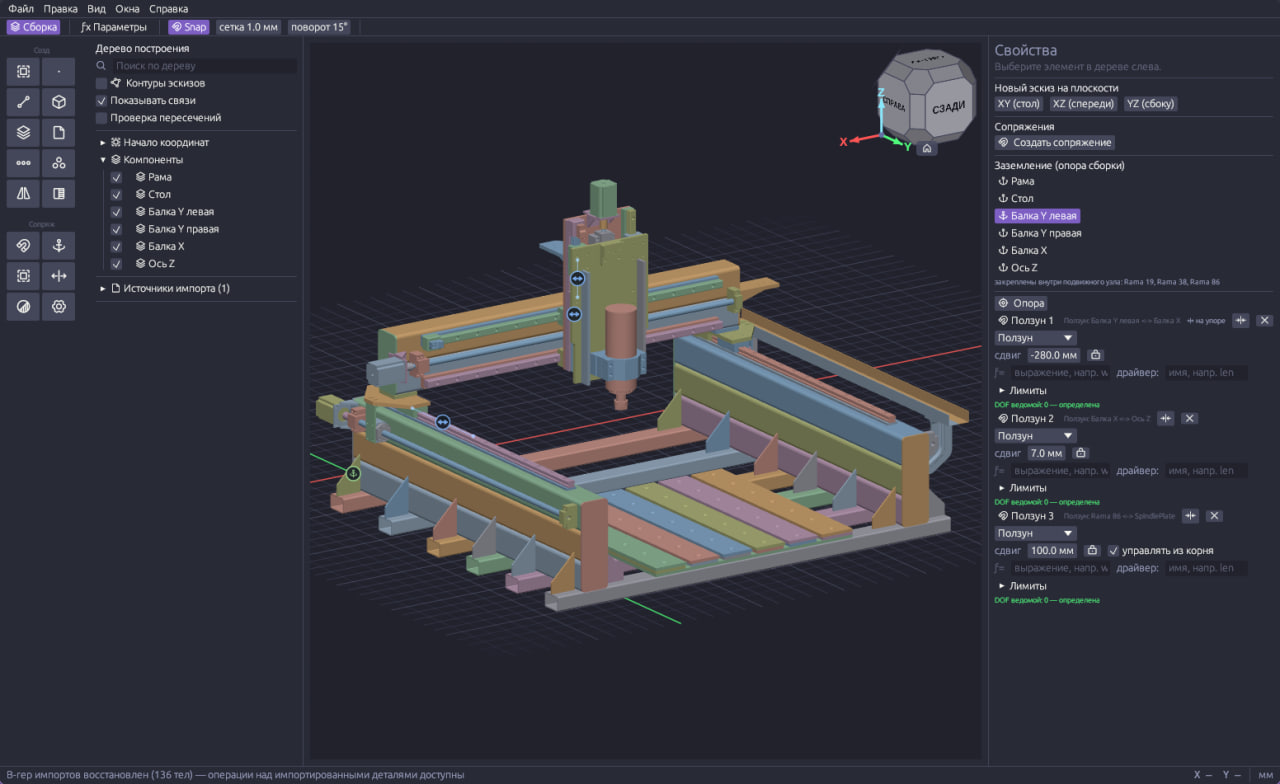
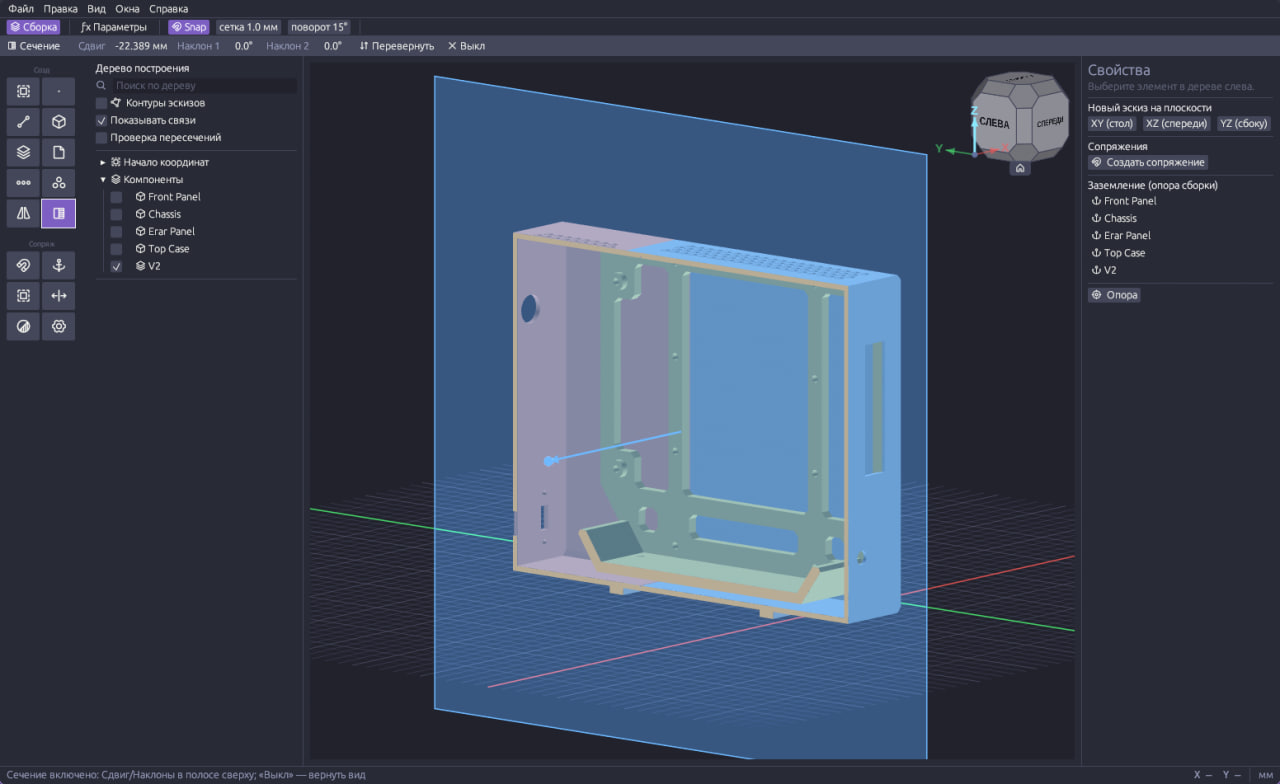
Восемь видов сопряжений, ограничения и приводы, подсчёт степеней свободы, проверка пересечений. Клон детали, массив компонентов, зеркальная копия. Эскиз можно построить на грани соседней детали — изменится соседняя, перестроится зависимая.
Обмен
Десять форматов на чтение и запись: STEP и IGES — точная геометрия; STL, OBJ, PLY, glTF, 3MF и AMF — сетки; DXF и SVG — эскизы. Сборка приходит и уходит деревом — с именами, местами и цветами, единицы и масштаб спрашиваются при импорте.
Сетка → тело
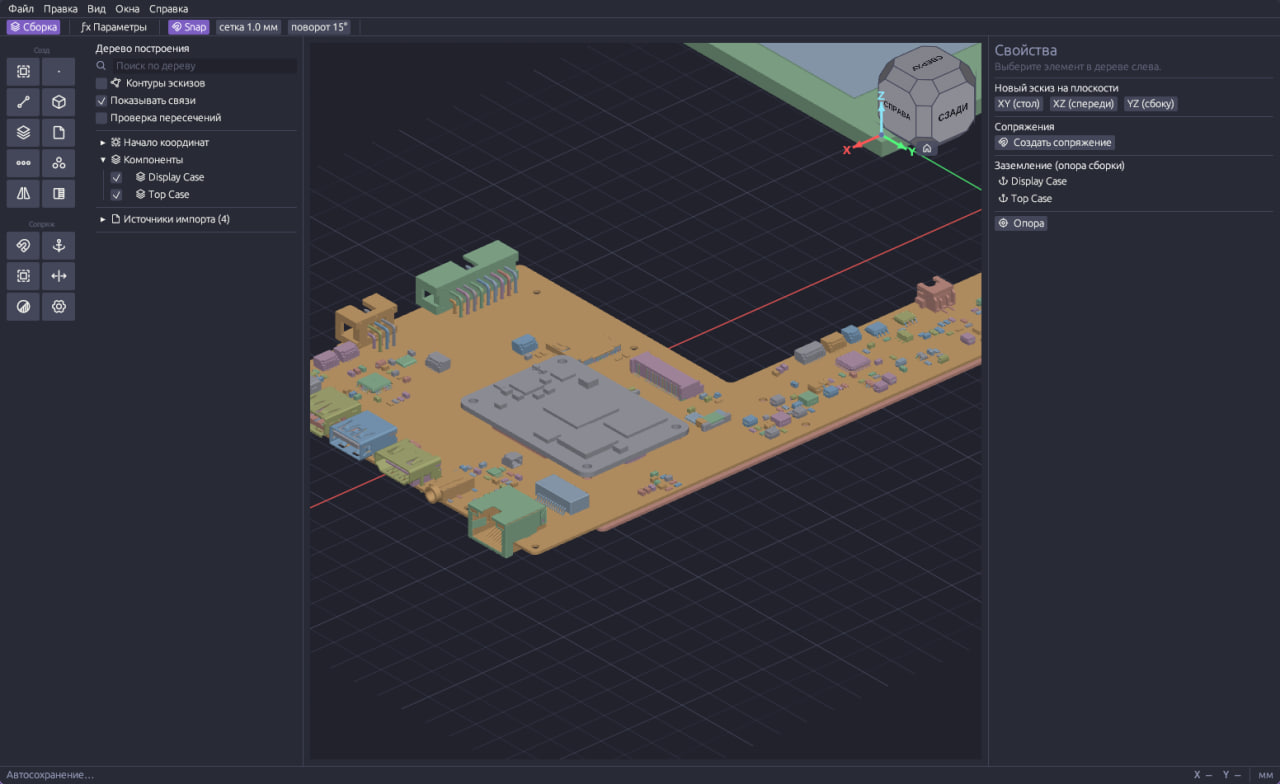
Инструмент «Распознать» превращает импортированную сетку — STL, 3MF, скан — в тело: плоскости, цилиндры, конусы, сферы, торы, резьба и пружины становятся точными гранями. Тяжёлую сетку можно сначала упростить в заданном допуске.
Быстрая перестройка
Независимые узлы дерева считаются на нескольких ядрах — сколько, задаётся в настройках. Большие модели рисуются с меньшим расходом памяти, а долгую перестройку «Отмена» останавливает сразу.
Под капотом
Как устроен
Ядро OpenCASCADE
Точная объёмная геометрия B-rep на том же ядре, на котором работает FreeCAD. Настоящие поверхности вместо сеток и корректные скругления.
Параметрическая модель
Изменение размера в любой операции перестраивает всё, что стоит ниже по ленте построений, включая сборку.
Один файл проекта
Детали, сборки и эскизы живут в одном документе. Без облака, без подписки, без учётной записи.
Два языка интерфейса
Русский и английский — и в самой программе, и в справке.
Windows, Linux и macOS
Windows 10/11 x64, AppImage для Linux с glibc 2.35+ (Ubuntu 22.04+, Debian 12+, Fedora 36+, Arch) и сборка под macOS на Apple Silicon. Всё нужное лежит внутри пакета.
Справка внутри программы
Те же статьи, что на этом сайте, вшиты в программу и открываются по F1 — офлайн.
Честно о состоянии
Версия для разработки
Обратная связь
Что-то работает не так?
Расскажите об ошибке или предложите возможность. Учётная запись нигде не нужна — только имя и почта для ответа.